
From this computer
If Bayvio is on the same PC as Mitchell 1, press Look for Mitchell 1, choose the shop database and read your data. Bayvio only reads it. It never writes to, stops or detaches Mitchell 1.
Bayvio can read data from Mitchell 1 Manager SE and TeamWorks SE shops and import it with a check-first, undoable process. Nothing in Mitchell 1 is changed.
The owner opens Settings, then Switch to Bayvio and picks Mitchell 1 Manager SE or TeamWorks SE.
Read it from this computer, restore a backup file as a separate copy, or use an export file.
Bayvio shows counts, duplicates matched by phone, email, name or VIN, and any warnings.
A safety backup is taken first. Every record is stamped with its import batch.
Not happy? Undo the import from Past imports.
If Bayvio is on the same PC as Mitchell 1, press Look for Mitchell 1, choose the shop database and read your data. Bayvio only reads it. It never writes to, stops or detaches Mitchell 1.
Use a Mitchell 1 backup (.bak). Bayvio restores it as a new, separately named copy on the same SQL Server, reads it and then deletes only that copy. It never touches the live database or your backup file.
Use a .zip export of the Mitchell 1 tables if Bayvio support prepared one for you.
Closed (posted) repair orders keep their original totals exactly. Open orders are recalculated by Bayvio.
Your customer list, every vehicle and your complete repair history land in Bayvio together, and your repair order numbering continues from where Mitchell 1 left off.
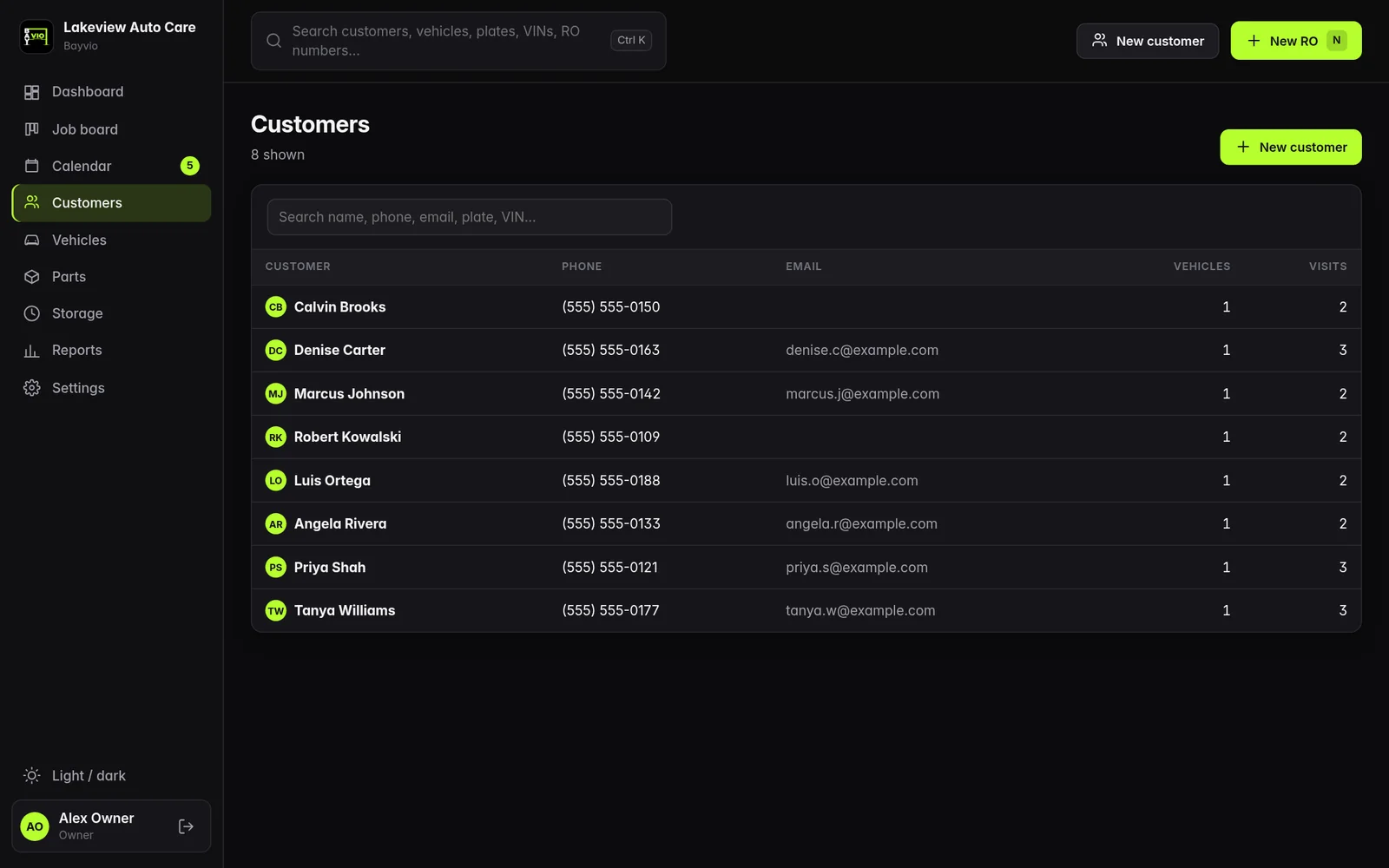
Customer list, shown with sample data.
Tekmetric, Shopmonkey, Shop-Ware, ProTractor, R.O. Writer or any CSV or Excel file use the same screen. Bayvio guesses the column matching, you confirm it, and you can save the mapping for next time.
Yes. The import is read-only and never changes, stops or detaches Mitchell 1, so you can keep using it until you are ready to switch the shop over.
Yes. The check step shows exactly what would be added, skipped and flagged without saving anything.
Bayvio takes a safety backup before importing and every record is tagged with its batch, so you can undo the import and try again.
Not if you tick the option to copy your labor rates, parts markup matrix and sales tax rate. They are added alongside your Bayvio settings.
No. Passwords are never imported. You sign in once to each supplier inside Bayvio.
Mitchell 1, Manager SE and TeamWorks SE are trademarks of their owner. Bayvio is not affiliated with, endorsed by or sponsored by Mitchell 1.
Register for the live demo and explore estimates, the job board, payments and reports with sample data.
Try the demo Talk to us